
Understanding Offers
Learn how buyers make binding offers with payment, and how to manage them effectively.
Binding Offers with Payment
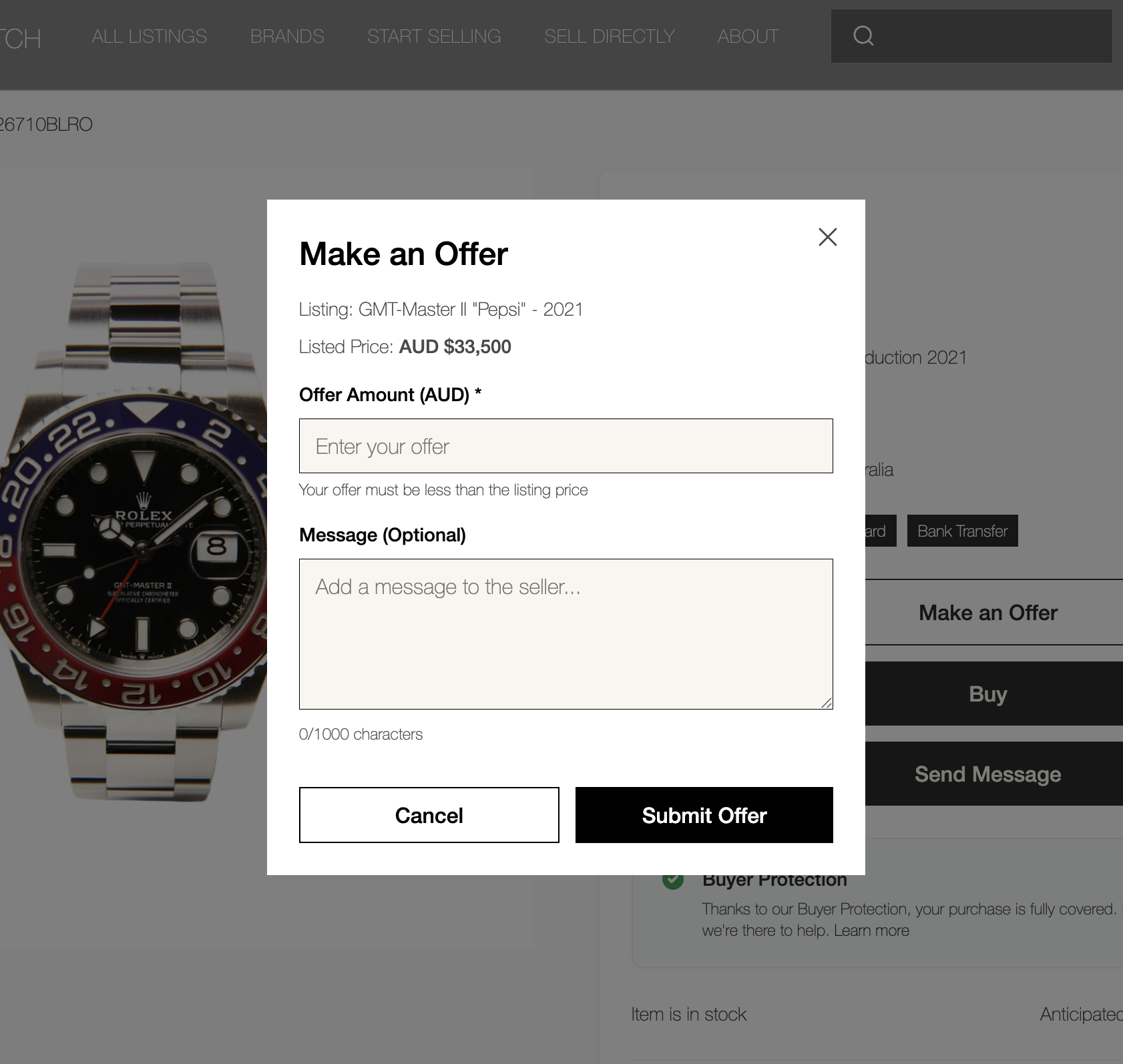
When buyers make an offer, they must pay immediately. Payment is held securely in escrow until you accept or decline. This ensures serious buyers and protects both parties.
The Offer Process
1. Buyer makes an offer
Buyer enters offer amount (must be less than listing price) and optional message
2. Payment required immediately
Buyer must complete payment before offer is submitted
3. Payment held in escrow
Funds are securely held until you respond
Managing Offers
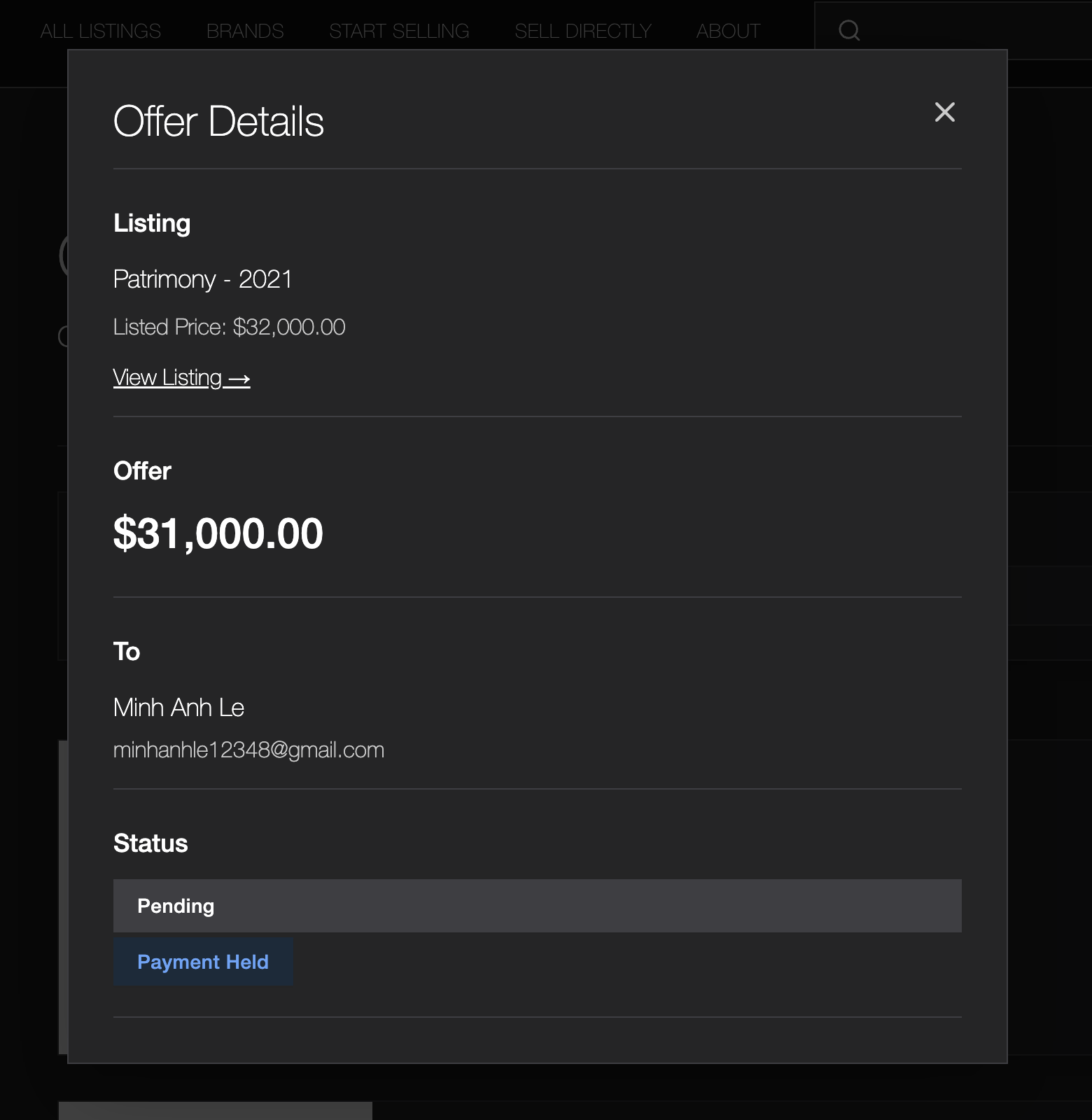
View and respond to offers from the Offers page in your dashboard. You'll see all offers on your listings with full details.
Go to 'Offers' in the left sidebar
View 'Received Offers' tab for offers on your listings
Click on any offer to view full details
Accepting or Declining Offers
Accept Offer
When you accept an offer:
Listing is marked as 'Sold' immediately
Payment is held securely in escrow
You'll receive shipping instructions to send watch to our Melbourne facility
After authentication and buyer confirmation, payment is released (minus 10% platform fee including GST)
You receive email confirmation
Decline Offer
When you decline an offer:
Buyer receives full refund automatically
Listing remains available for other buyers
You can optionally add a message explaining why
Important
Once an offer is refunded, it cannot be accepted. Make sure you're ready to accept before doing so. If you're unsure, you can always wait for other offers or the listing's direct buy option.
What's Next?
Learn about payments, fees, and when you'll receive your earnings.