
Getting Started
Create your account and set up payments quickly. Our deferred onboarding lets you start selling immediately, with every watch authenticated for safety and authenticity.
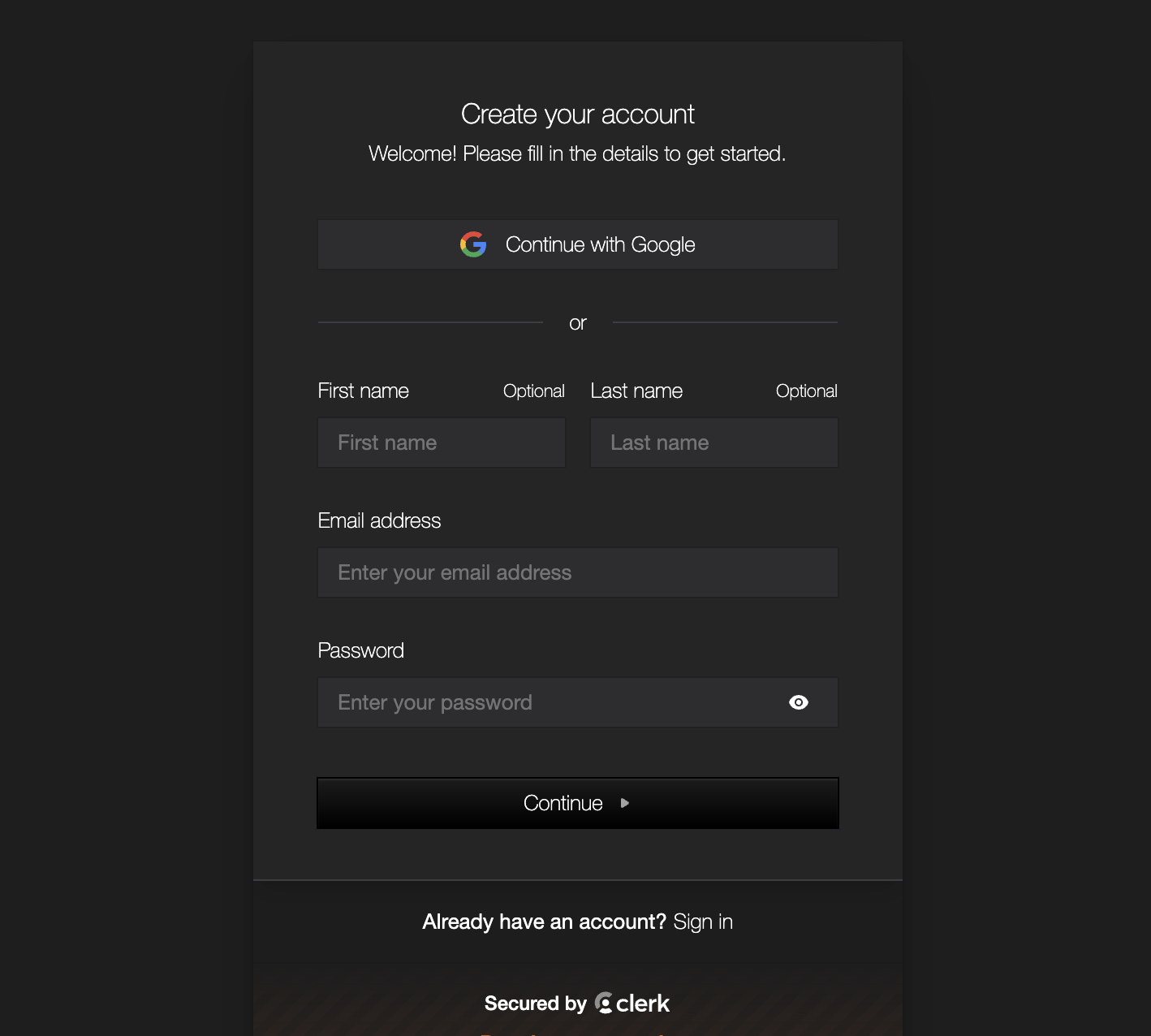
Create Your Account
Sign up for a free account to start selling. You can use your email or sign up with Google for faster access.
Click 'Sign Up' in the top navigation
Enter your email and create a password, or use Google
Verify your email address
You'll be redirected to your dashboard
Secure & Authenticated Selling
Our deferred onboarding means you can start selling immediately. Every watch is physically authenticated by certified watchmakers at our Melbourne facility, ensuring 100% authenticity and buyer protection. Complete full verification later when you have earnings waiting.
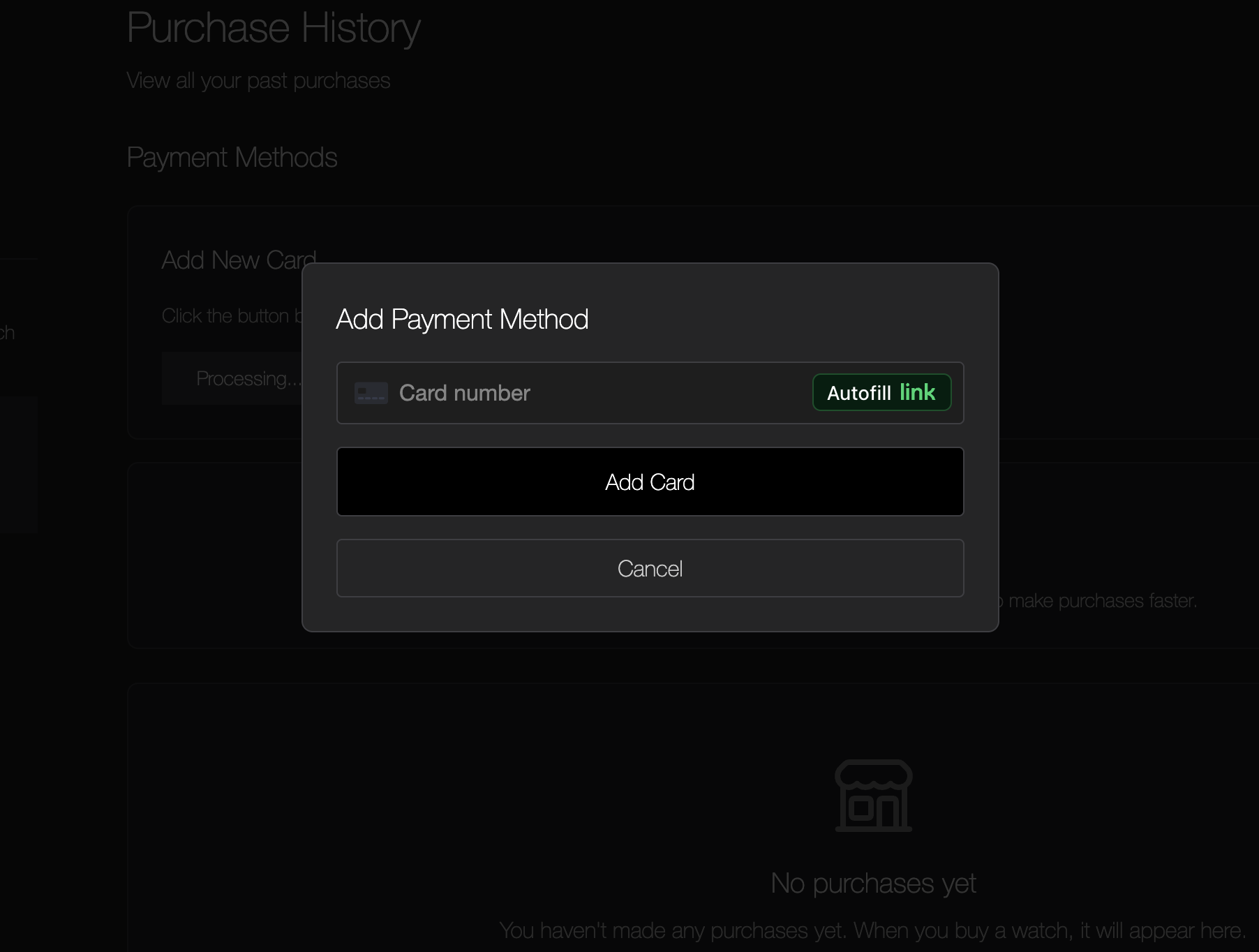
Set Up Payment Method
Go to Wallet and add a payment method and start onboarding.
You can create listings immediately
You cannot get paid from your listings until you complete onboarding
You can purchase anything without onboarding
Complete onboarding to start receiving payments from your listings
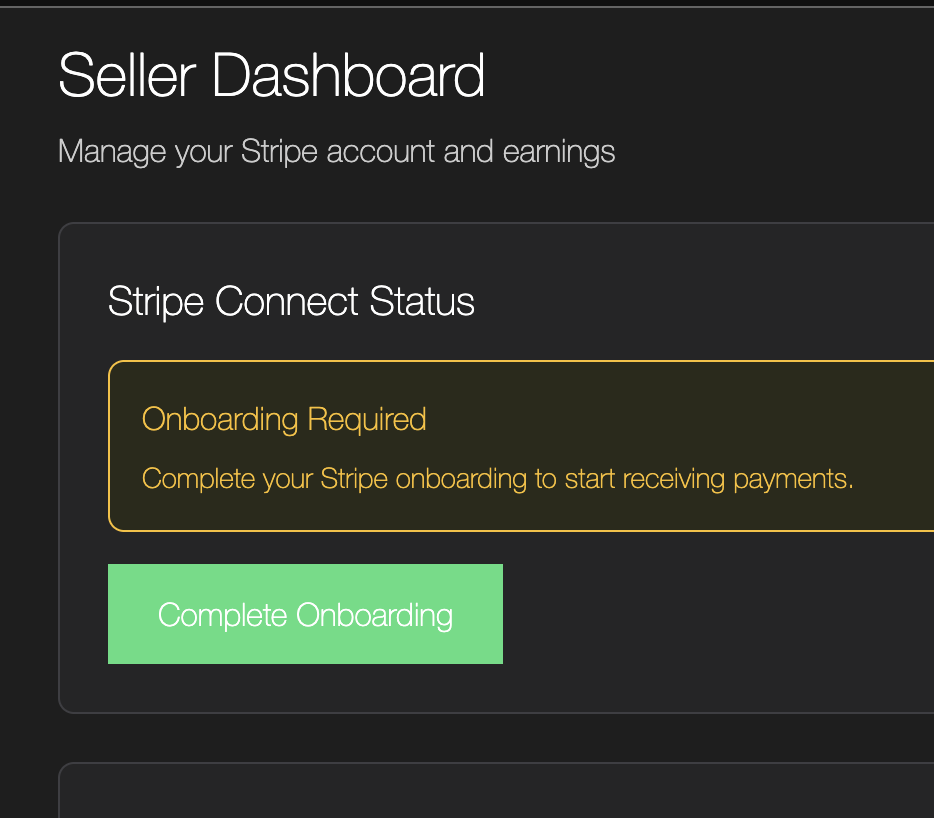
Complete Full Verification
Once you complete setup, you can get paid promptly after your first successful transaction and the buyer gets their watch.
Click the onboarding button in dashboard and finish setup in wallet page where you will provide:
Personal details and address
Bank account for payouts
Identity verification (photo ID)
Once verified, all pending earnings are automatically transferred to your bank account. Future payouts happen automatically after each sale.
What's Next?
Now that your account is set up, learn how to create your first listing.