
Create Your Listing
Create compelling listings that attract buyers. Learn what information to include and how to take great photos.
Access Create Listing
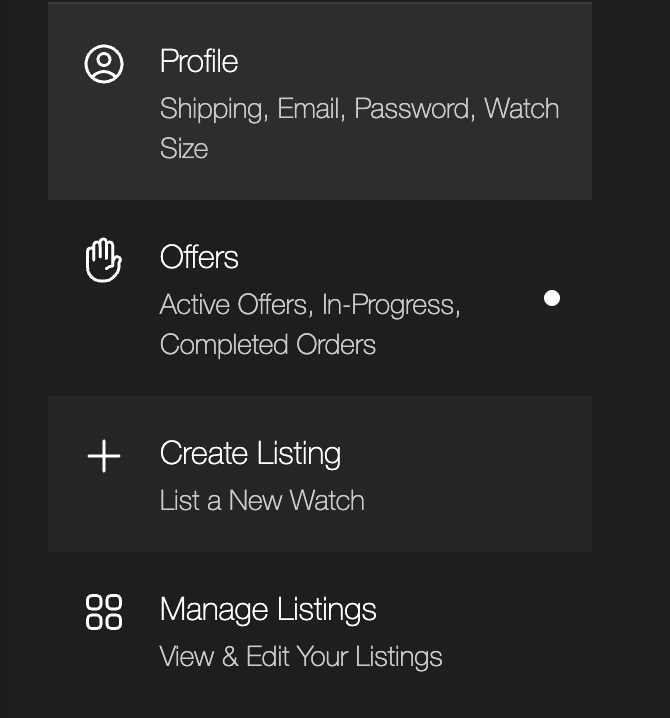
You can access the create listing page from multiple places in your dashboard for easy access.
Create listing button in dashboard
Create listing button in home page
Create Listing button in Start selling page
Required Information
These fields are required for your listing to be approved. Make sure all information is accurate and complete.
Title
A clear, descriptive title. Example: "Rolex Submariner Date 126610LN - 2020"
Description
Detailed description of condition, history, and notable features
Price
Your asking price in AUD (numbers only, no currency symbols)
Brand & Condition
Select brand from dropdown and condition (New, Like New, Excellent, Good, Fair)
Box & Papers
Indicate if the watch comes with original box and papers
Photos
Minimum 1 photo required, up to 10 photos allowed
Taking Great Photos
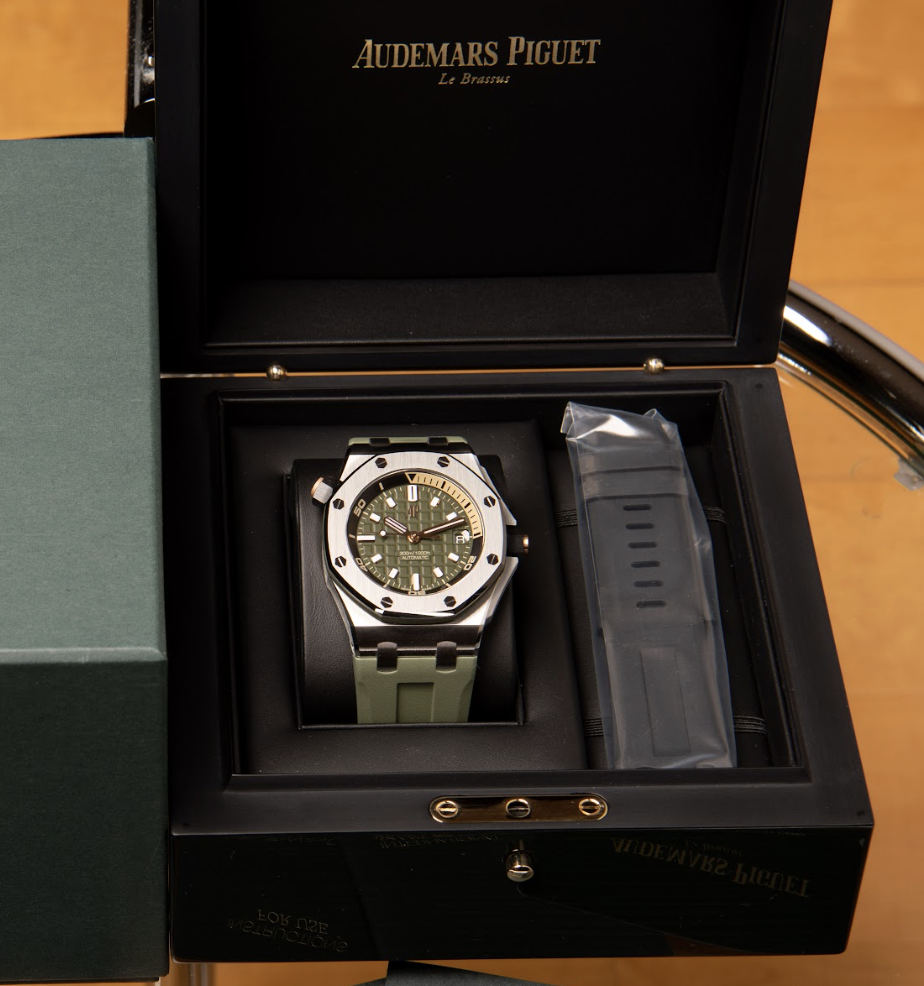
High-quality photos are essential for attracting buyers and getting your listing approved quickly.
Use natural lighting
Natural light shows the watch's true colors and details
Multiple angles
Include dial, case, bracelet, and movement shots
Show accessories
Include original box, papers, and any accessories
Submit for Review
Once all required fields are filled, review your information and submit. Our team will review your listing within 24-48 hours.
Review all information for accuracy
Click 'Submit Listing' button
Listing appears in 'My Listings' with 'Pending' status
You'll receive email notifications about approval status
Optional Fields (Recommended)
While not required, these fields help buyers make informed decisions and can increase your listing's appeal:
Reference number
Model name
Year produced
Movement type
Case material
Bracelet material
Case size
Location
Gender
Scope of delivery
What's Next?
Once your listing is approved, learn how offers work and how to manage them.